Инструкция к рилсу
Первый снег в Москве. LOVE
- Режим
- Genjutsu Lite → Motion Transfer (меняет и машину, и фон)
- У меня стоило
- 28 кредитов · 7 секунд, 1080p, получилось с первого раза
Как это устроено
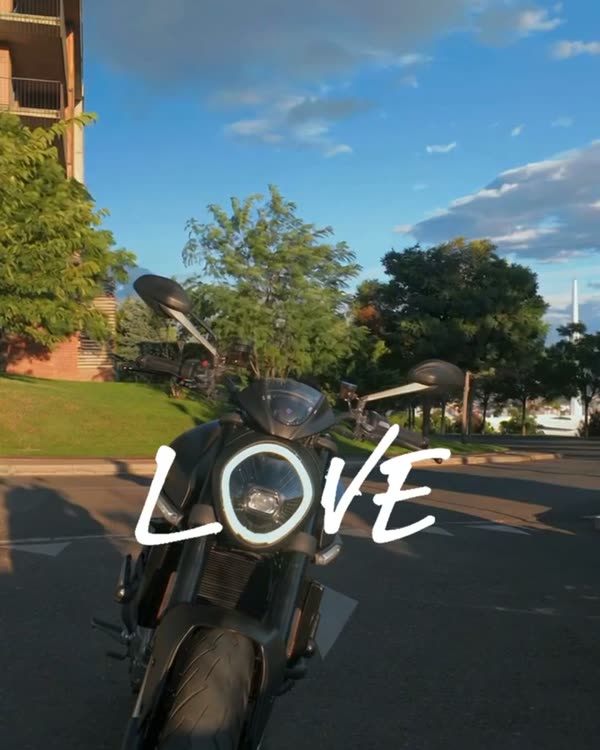
Как в LOVE: фара встаёт между буквами, только здесь нейросеть меняет ещё и место. Вместо гор у меня гранитная набережная, Москва-Сити и первый снег.
Что понадобится
Claude, код и программирование не нужны: всё делается в приложениях.
Пошагово
Готово: 0 из 5
Шаг 1. Исходник
Где: Instagram
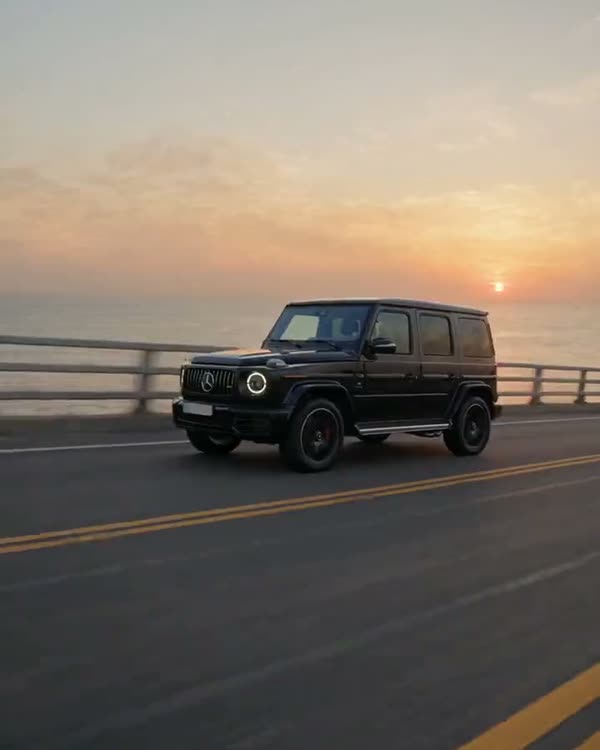
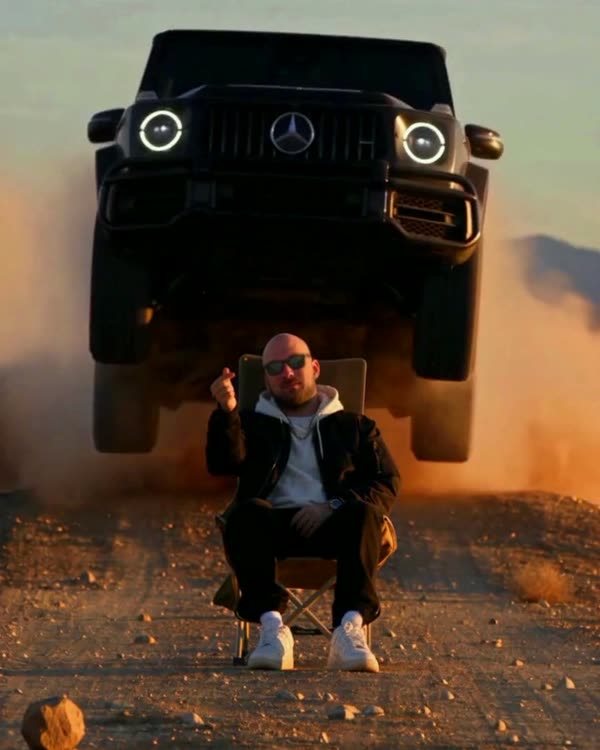
Найди рилс-тренд, который хочешь повторить, и скачай его (любой загрузчик рилсов или запись экрана). Это «скелет»: нейросеть возьмёт из него движение камеры, тайминг и путь машины.
Шаг 2. Карточка машины
Где: Gemini
Открой Gemini → загрузи 2–5 фото своей машины (или найди фото нужной модели) → вставь промпт:
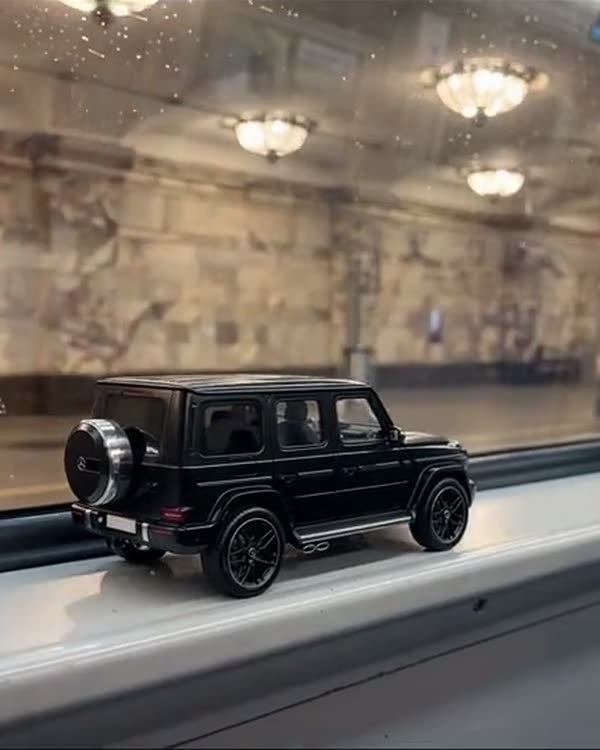
Промпт для Gemini · карточка машиныVehicle reference sheet: one single real [black Mercedes-AMG G63] (the same car as in the attached photos), shown four times in a clean 2x2 grid on a seamless neutral light-grey studio background with soft even studio light and soft floor shadows. Top left: front three-quarter view. Top right: rear three-quarter view. Bottom left: exact side profile. Bottom right: straight rear view. The whole car visible in every panel, the same car, identical proportions and details. Blank licence plates with no characters, no text, no labels, no people. Make the car look like a real, regularly driven car photographed with a real camera, not a clean 3D render: a very thin film of fine dust that softens the reflections, faint swirl marks, a little brake dust on the wheels.
В квадратных скобках — твоя машина. Проверь карточку глазами: фары, решётка, диски, цвет бампера. Ошибка в карточке = ошибка в каждом кадре видео.
Шаг 3. Генерация
Где: Higgsfield
В Higgsfield выбери Genjutsu Lite → Motion Transfer → загрузи исходник как видео, карточку как картинку → вставь промпт → запусти. Перед запуском посмотри цену в кредитах. Ждать 5–10 минут.
Промпт · в скобках — машина и местоORIGINAL VIDEO: @[Video 1](video_1) VEHICLE REFERENCE: @[Image 1](image_1) Use the attached original video as the exact timing, camera and motion reference. Use the attached vehicle reference exclusively as the vehicle identity: replace the original car throughout the entire video with the exact car from the reference — [a black Mercedes-AMG G63, boxy body, vertical slat grille with the star, round LED headlights with illuminated rings, exposed door hinges, black multi-spoke wheels], blank licence plates without characters. The car makes exactly the same drive-in, the same turn and stops in exactly the same final position: its round headlight ends where the original headlight was, centred in the lower-middle of the frame, ring glowing. Replace the environment with [Moscow on the day of the first snow, late November, soft overcast daylight: a low granite embankment parapet, behind it the Moscow river and, in the grey haze on the far bank, the glass towers of Moscow City and a Stalinist high-rise. A thin fresh layer of first snow on the asphalt and on the parapet, dark wet tyre tracks in it, light snowflakes slowly falling, cold grey-blue light. A few flakes settle on the black hood and roof]. No people, no other cars, no signs, no readable text. Keep the same low camera angle, the same framing and camera movement as the original. One car only. Remove all text, captions and lettering from the picture: the rendered video must contain no text at all. Real footage from a real camera, not a 3D render: gloss paint with natural reflections of the sky, slight road grime on the lower doors, subtle sensor grain, true-to-life colour, no HDR glow, no CGI shading.
Второй абзац в скобках — это твой город и погода. Пиши конкретно: материал парапета, что на заднем плане, какой свет. Чем конкретнее, тем реальнее кадр.
Шаг 4. Проверка
Где: Higgsfield
Пролистай результат по кадрам: машина на месте, нет лишних людей, надписей, чёрных кадров. Брак обычно на первых и последних секундах — его просто отрезаешь.
Шаг 5. Монтаж
Где: CapCut
Буквы
Как в инструкции LOVE. Ставь их по последнему кадру, у фары.
Возьми последний кадр и найди, где стоит фара. Поставь «L» слева от неё и «VE» справа: шрифт жирный, прямой (Times New Roman Bold или Arial Black), высота букв примерно равна диаметру фары. Буквы стоят с первого кадра до последнего.
CapCut: обрезать, добавить текст, звук оригинала или свой трек. Формат 9:16.
Подпишись, новый тренд почти каждую неделю
Открыть Instagram