Reel guide
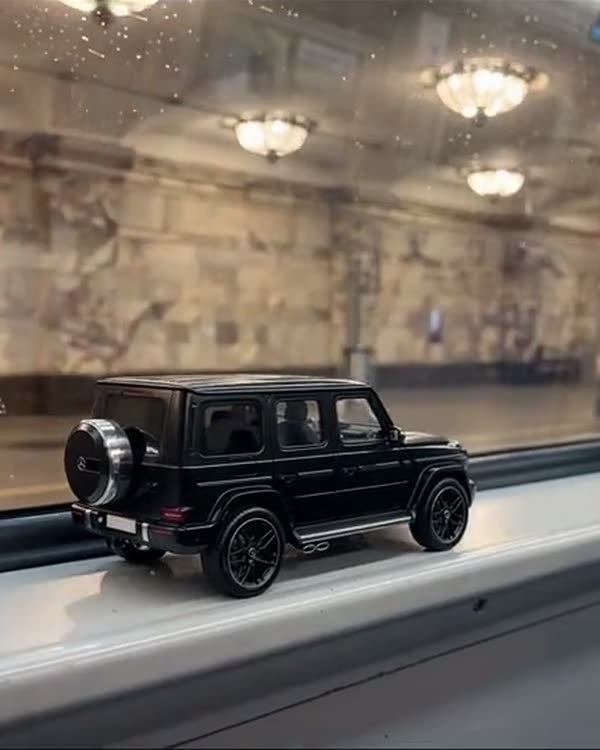
First snow in Moscow. LOVE
- Mode
- Genjutsu Lite → Motion Transfer (swaps both the car and the background)
- What it cost me
- 28 credits · 7 seconds, 1080p, worked on the first try
How it works
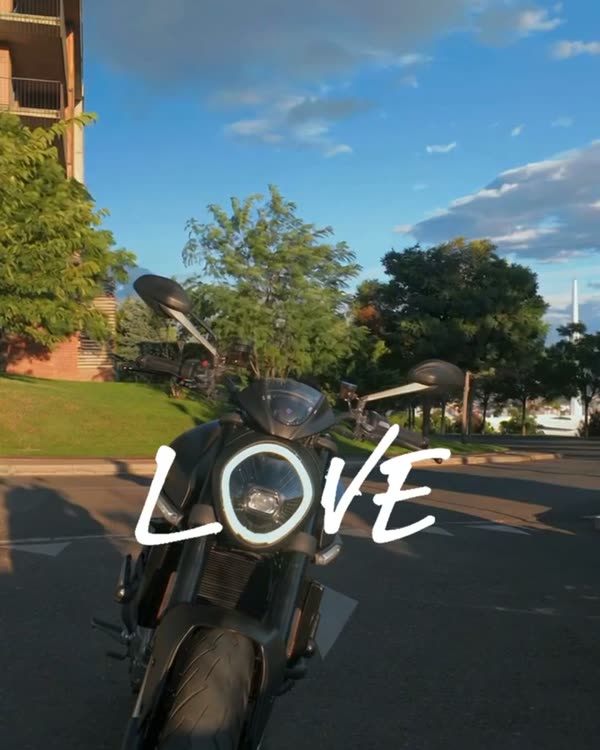
Same as LOVE: the headlight lands between the letters, but here the AI also changes the place. Instead of mountains I have a granite embankment, Moscow City and the first snow.
What you'll need
No Claude, no code, no programming: everything happens in the apps.
Step by step
Done: 0 of 5
Step 1. Source
Where: Instagram
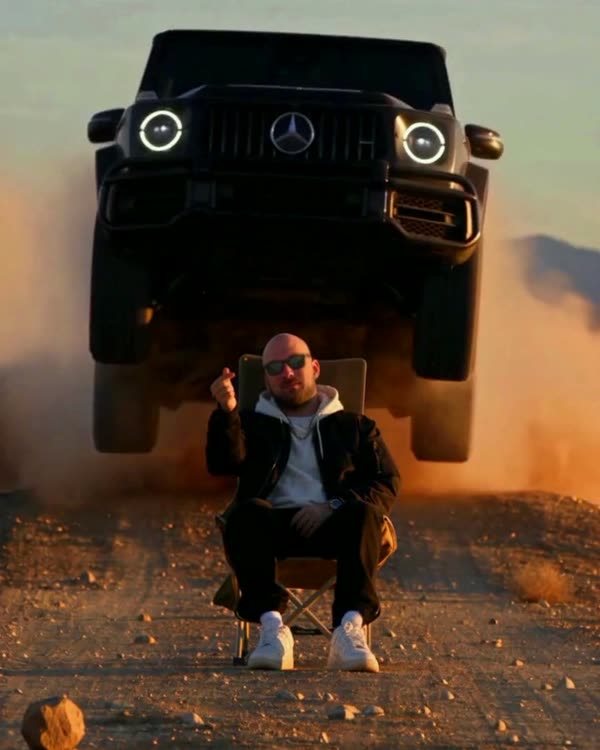
Find the trending reel you want to recreate and download it (any reel downloader or a screen recording). This is the “skeleton”: the AI takes the camera movement, the timing and the car's path from it.
Step 2. Car sheet
Where: Gemini
Open Gemini → upload 2–5 photos of your car (or find photos of the model you want) → paste the prompt:
Gemini prompt · car sheetVehicle reference sheet: one single real [black Mercedes-AMG G63] (the same car as in the attached photos), shown four times in a clean 2x2 grid on a seamless neutral light-grey studio background with soft even studio light and soft floor shadows. Top left: front three-quarter view. Top right: rear three-quarter view. Bottom left: exact side profile. Bottom right: straight rear view. The whole car visible in every panel, the same car, identical proportions and details. Blank licence plates with no characters, no text, no labels, no people. Make the car look like a real, regularly driven car photographed with a real camera, not a clean 3D render: a very thin film of fine dust that softens the reflections, faint swirl marks, a little brake dust on the wheels.
Your car goes in the square brackets. Check the sheet by eye: headlights, grille, wheels, bumper colour. A mistake in the sheet = a mistake in every frame of the video.
Step 3. Generation
Where: Higgsfield
In Higgsfield choose Genjutsu Lite → Motion Transfer → upload the source as the video and the sheet as the image → paste the prompt → run. Check the price in credits before you run it. It takes 5–10 minutes.
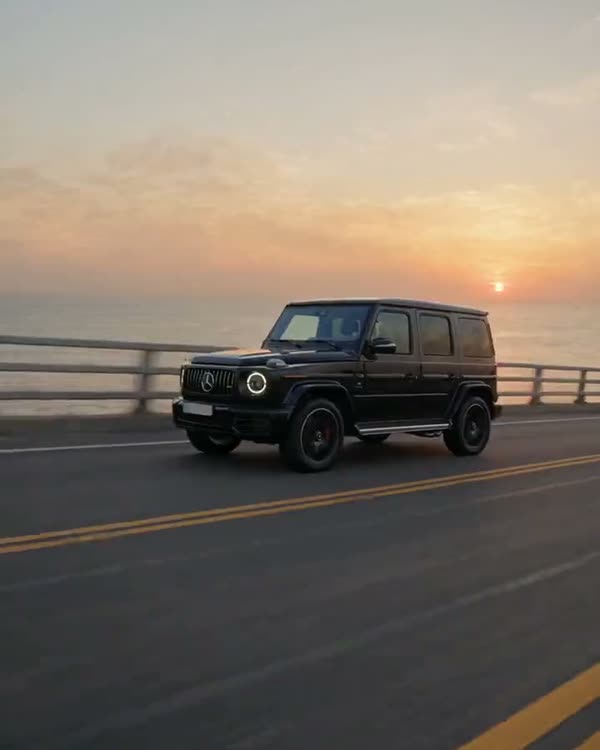
Prompt · brackets: the car and the placeORIGINAL VIDEO: @[Video 1](video_1) VEHICLE REFERENCE: @[Image 1](image_1) Use the attached original video as the exact timing, camera and motion reference. Use the attached vehicle reference exclusively as the vehicle identity: replace the original car throughout the entire video with the exact car from the reference — [a black Mercedes-AMG G63, boxy body, vertical slat grille with the star, round LED headlights with illuminated rings, exposed door hinges, black multi-spoke wheels], blank licence plates without characters. The car makes exactly the same drive-in, the same turn and stops in exactly the same final position: its round headlight ends where the original headlight was, centred in the lower-middle of the frame, ring glowing. Replace the environment with [Moscow on the day of the first snow, late November, soft overcast daylight: a low granite embankment parapet, behind it the Moscow river and, in the grey haze on the far bank, the glass towers of Moscow City and a Stalinist high-rise. A thin fresh layer of first snow on the asphalt and on the parapet, dark wet tyre tracks in it, light snowflakes slowly falling, cold grey-blue light. A few flakes settle on the black hood and roof]. No people, no other cars, no signs, no readable text. Keep the same low camera angle, the same framing and camera movement as the original. One car only. Remove all text, captions and lettering from the picture: the rendered video must contain no text at all. Real footage from a real camera, not a 3D render: gloss paint with natural reflections of the sky, slight road grime on the lower doors, subtle sensor grain, true-to-life colour, no HDR glow, no CGI shading.
The second bracketed paragraph is your city and your weather. Be specific: what the parapet is made of, what's in the background, what the light is like. The more specific, the more real the shot.
Step 4. Check
Where: Higgsfield
Scrub through the result frame by frame: the car is there, no extra people, no text, no black frames. Defects usually sit in the first and last seconds — just trim them.
Step 5. Edit
Where: CapCut
Letters
Same as in the LOVE guide. Place them using the last frame, next to the headlight.
Take the last frame and find where the headlight is. Put “L” to the left of it and “VE” to the right: a bold, upright font (Times New Roman Bold or Arial Black), letters about as tall as the headlight is wide. The letters stay on screen from the first frame to the last.
CapCut: trim, add text, the original sound or your own track. Format 9:16.
Follow — a new trend almost every week
Open Instagram