Reel guide
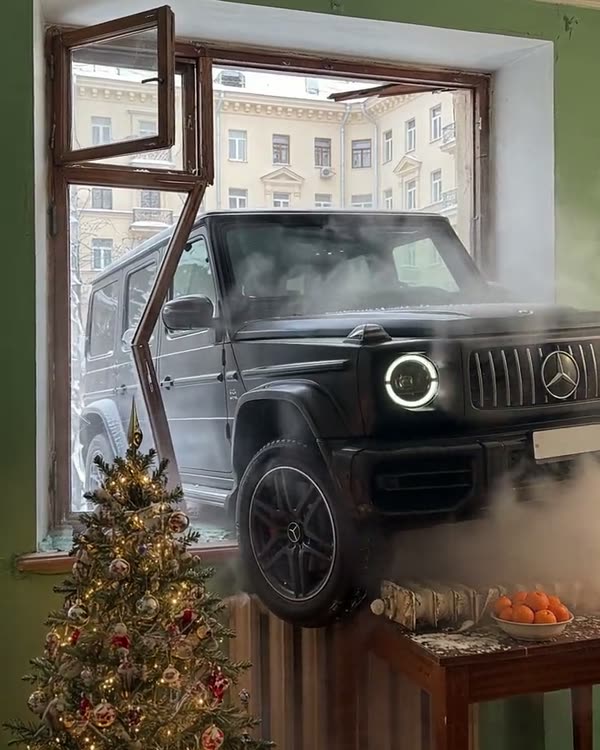
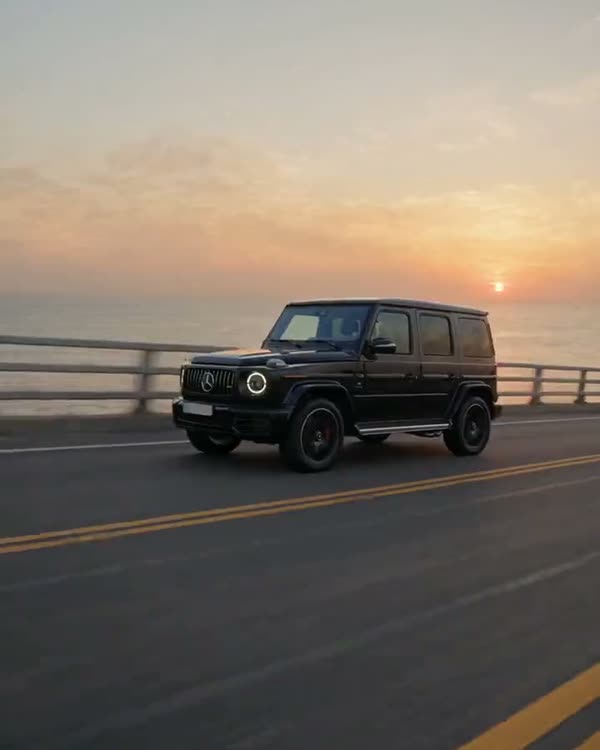
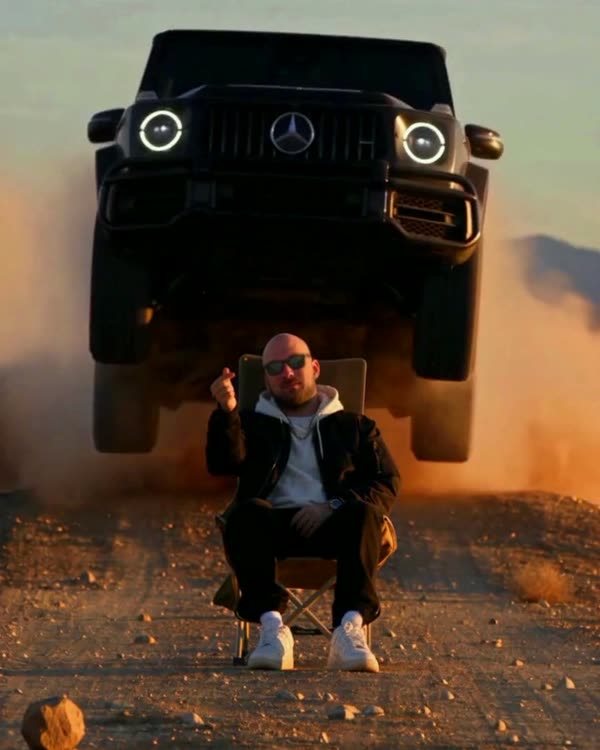
A puck unfolds into a G63 on a Moscow lookout
I flicked a puck onto the snow and it grew into a car. The unfolding comes from someone else's clip, the throw was filmed separately.
- Mode
- Genjutsu Lite → Motion Transfer (the puck unfolds into the car) and Seedance 2.5 → Omni Reference (the throw)
- What it cost me
- 242 credits · with the throw · 50 is enough without it
How it works
Two steps. First, someone else's movement is moved into my own scene: a puck with the star unfolds into a car, but now on an observation deck in winter. Then the throw is made separately: a small puck flies out of the hand, lands on the snow and grows as it unfolds. That is a new action the source doesn't have, so there are two tools.
What you'll need
No Claude, no code, no programming: everything happens in the apps.
Step by step
Done: 0 of 8
Step 1. Source
Where: Instagram
Find the trending reel where a puck with the star unfolds into a car and download it (any reel downloader or a screen recording). You need the clip itself and a screenshot of the frame where the puck lies on the road.
Step 2. Car sheet
Where: Gemini
Open Gemini → upload 2–5 photos of your car (or find photos of the model you want) → paste the prompt:
Gemini prompt · car sheetVehicle reference sheet: one single real [black Mercedes-AMG G63] (the same car as in the attached photos), shown four times in a clean 2x2 grid on a seamless neutral light-grey studio background with soft even studio light and soft floor shadows. Top left: front three-quarter view. Top right: rear three-quarter view. Bottom left: exact side profile. Bottom right: straight rear view. The whole car visible in every panel, the same car, identical proportions and details. Blank licence plates with no characters, no text, no labels, no people. Make the car look like a real, regularly driven car photographed with a real camera, not a clean 3D render: a very thin film of fine dust that softens the reflections, faint swirl marks, a little brake dust on the wheels.
Your car goes in the square brackets. Check the sheet by eye: headlights, grille, wheels, bumper colour. A mistake in the sheet = a mistake in every frame of the video.
Step 3. Scene still
Where: Gemini
In Nano Banana upload the screenshot of the frame where the puck lies on the road → paste the prompt. It keeps the composition and changes only the place and the season. It cost me 2 credits.
Prompt · scene stillEdit the first image. This is a restyle, not a new picture: keep the composition exactly — the same very low phone camera almost on the ground, the small black round pod with the Mercedes star lying on the road in the lower middle of the frame, the road surface filling the lower half, the background rising behind it. Change only the place and the season. The road becomes the snow-covered asphalt of the observation deck on Vorobyovy Gory in Moscow in winter: packed snow and tyre tracks on the asphalt, fine fresh snow around the pod, a few dark wet patches. Behind the pod, instead of the desert hills: the low granite balustrade of the lookout, and beyond it, far below, the winter panorama of Moscow — the snowy Moskva river bend, the Luzhniki stadium with its roof, bare dark trees, and the Moscow City skyscrapers on the horizon, slightly hazy. Winter sunset light: low warm sun from the left, long blue shadows on the snow, pale pink-orange sky. The pod stays exactly where it is, same size, black with the Mercedes star on top and a thin glowing light ring around its edge. Real phone photo, true-to-life colour, slight cold haze in the distance, no text, no watermark, no people, no cars.
Step 4. Motion transfer
Where: Higgsfield
In Higgsfield choose Genjutsu Lite → Motion Transfer → 1080p, 12 seconds → upload the source as the video, the car sheet as image 1, the scene still as image 2 → paste the prompt. It cost me 48 credits and worked on the first try.
Prompt · motion transferORIGINAL VIDEO: @[Video 1](video_1) VEHICLE REFERENCE: @[Image 1](image_1) SCENE REFERENCE: @[Image 2](image_2) Use the original video as the exact timing, camera and motion reference: the hand holds the small black pod, puts it down on the road, the pod lights up and unfolds into a chassis with wheels, then the body, doors, roof and hood build up, and the finished car stands on the road facing the camera. Same moments, same camera height, same movement of every part. Replace the finished car with the exact car from Image 1: a black new-generation Mercedes-AMG G63, vertical slat Panamericana grille with the star, round LED headlights with glowing rings, black multi-spoke wheels, side-mounted spare wheel on the rear door, blank front plate. The pod keeps the Mercedes star on top; its light ring glows cool white like the headlight rings, not red. Use Image 2 as the look of the place: the observation deck on Vorobyovy Gory in Moscow in winter — snow-covered asphalt with tyre tracks, fresh snow around the pod, the granite balustrade behind, and far below the winter panorama of Moscow: the Moskva river, the Luzhniki stadium, bare trees, the Moscow City towers on the hazy horizon, low warm winter sunset light from the left, long blue shadows on the snow. The hand wears a black winter glove with a dark jacket sleeve. When the pod unfolds, snow dust puffs up around the wheels; the finished car stands on packed snow. Motion starts on the first frame, no fade-in. Keep the same handheld phone camera and framing, one uninterrupted take, no cuts. One car only, no other people, no on-screen text, no watermark. Real footage from a real phone camera, not a 3D render, true-to-life colour, real reflections of the pink winter sky on the black paint.
You can stop here: you get the same clip as the source, but in your place. The downside: in the source the puck is put down by hand, and it is palm-sized from the very start.
Step 5. Frames for the throw
Where: Gemini
The next part is optional: a real throw. Seedance films it, and it needs to see how the scene starts and how it ends.
First frame. In Nano Banana upload the first frame of the clip from the previous step → paste the prompt. Be sure to set the 9:16 format, otherwise you get a square. It cost me 2 credits.
Prompt · first frame with a small puckEdit the first image. This is a small correction, not a new picture. Keep the vertical 9:16 framing and the composition EXACTLY as in the first image, pixel for pixel: the same very low phone camera almost on the snow, the balustrade at the same height in the frame, the same black winter glove entering from the left at the same place, the same snow-covered observation deck with tyre tracks, the granite balustrade, the winter panorama of Moscow below (the Moskva river, the Luzhniki stadium, the Moscow City towers), the same pink winter sunset light. Change only the object in the hand: the big black disc becomes a SMALL black puck the size of an ice-hockey puck, about 7 cm across and 2 cm thick, no bigger than the width of two gloved fingers, matte black, with the small chrome Mercedes star on top and a thin light ring around its edge, switched off. The glove holds it lightly between thumb and two fingers, the wrist slightly cocked back as if about to flick it forward onto the snow. The puck is clearly small in the hand: most of the glove's palm is visible around it. The snow ahead of the hand is open and empty, nothing lying on it. Real phone photo, true-to-life colour, slight cold haze in the distance, no text, no watermark, no people other than the hand, no cars.
Last frame. It is the last frame of the clip from the previous step, with the finished car. It's free.
Step 6. The throw
Where: Higgsfield
In Higgsfield choose Seedance 2.5, Omni Reference mode → upload the first frame as the start image, the last one as the end image, the car sheet, and the source as a video example of how the puck unfolds → 10 seconds, 9:16, sound off → paste the prompt.
Draft first. It costs 30 credits and shows the same movement as the final. Scrub through it frame by frame. The 1080p final made from the draft costs 160.
Prompt · Seedance 2.5, the throw second by secondUse the start image as the exact opening frame and the end image as the exact final frame; keep their camera position, composition, place and light throughout: a phone lying almost on the snow on the observation deck of Vorobyovy Gory in Moscow in winter, tyre tracks in the packed snow, the granite balustrade, the winter panorama of Moscow below with the Luzhniki stadium and the Moscow City towers, low pink sunset light. Use the car reference image only for the car's identity: a black new-generation Mercedes-AMG G63 with the vertical slat Panamericana grille and star, round LED headlights with glowing rings, spare wheel on the rear door, black multi-spoke wheels, blank plates. Do not copy its grey background. Use the reference video only for HOW the puck unfolds into the car (chassis and wheels first, then body and doors, then roof and hood), not for the hand or the place. Real handheld phone footage, one uninterrupted take, no cuts, no zoom. 0–1 s: the black winter glove flicks the small black puck forward with a snap of the wrist, low and flat, out toward the open snow in front of the camera; the hand pulls back out of the frame. 1–2.5 s: the puck flies a short flat arc, hits the packed snow about two metres from the camera with a small puff of snow dust, bounces once, skids and spins to a stop in the middle of the frame. It is tiny on the snow, the size of an ice-hockey puck, still black and dark. 2.5–3.5 s: the thin light ring around its edge lights up cool white, the star on top glows, the snow around it trembles. 3.5–7.5 s: the puck GROWS as it unfolds, exactly like the reference video: it splits, the chassis with four wheels spreads out of it, growing from toy size to real size in the same motion, then the body, doors, hood and roof build up around the chassis until it is a full-size car; snow dust puffs up around the wheels as they press into the snow. 7.5–10 s: the finished black G63 stands on the packed snow facing the camera, exactly as in the end image, headlight rings glowing, nothing else moves; a little snow dust settles. Real physics: the small puck has weight, it bounces and skids like a real puck on packed snow. The growth happens on the snow, in front of the camera, never in the hand. Camera stays low and still with only a slight handheld drift. One car only, no people other than the glove in the first second, no on-screen text, no watermark. Not a 3D render: real reflections of the pink winter sky on the black paint, natural snow, true-to-life colour.
Step 7. Check
Where: Phone
Scrub through the clip frame by frame: the puck is small in the hand and grows on the snow, not in the hand; there is one car and it matches the sheet; no extra people and no text.
Step 8. Edit
Where: CapCut
I sped up the build of the car, from second 3.6 to second 8.8, by 1.3 times: the reel went from 10 seconds to 8.9. A pause where the puck lies still is better cut in the edit than regenerated: the frames there are identical, so the cut is invisible. Don't generate music in the video: the track is added in Instagram. Format 9:16.
Where it breaks
- Genjutsu Lite repeats someone else's movement one to one, but it won't add an action the source doesn't have. The throw and the landing had to be made separately in Seedance;
- Nano Banana gives a square by default. My first frame without “9:16” was wasted: 2 credits, so the whole reel cost me 244.
Follow — a new trend almost every week
Open Instagram